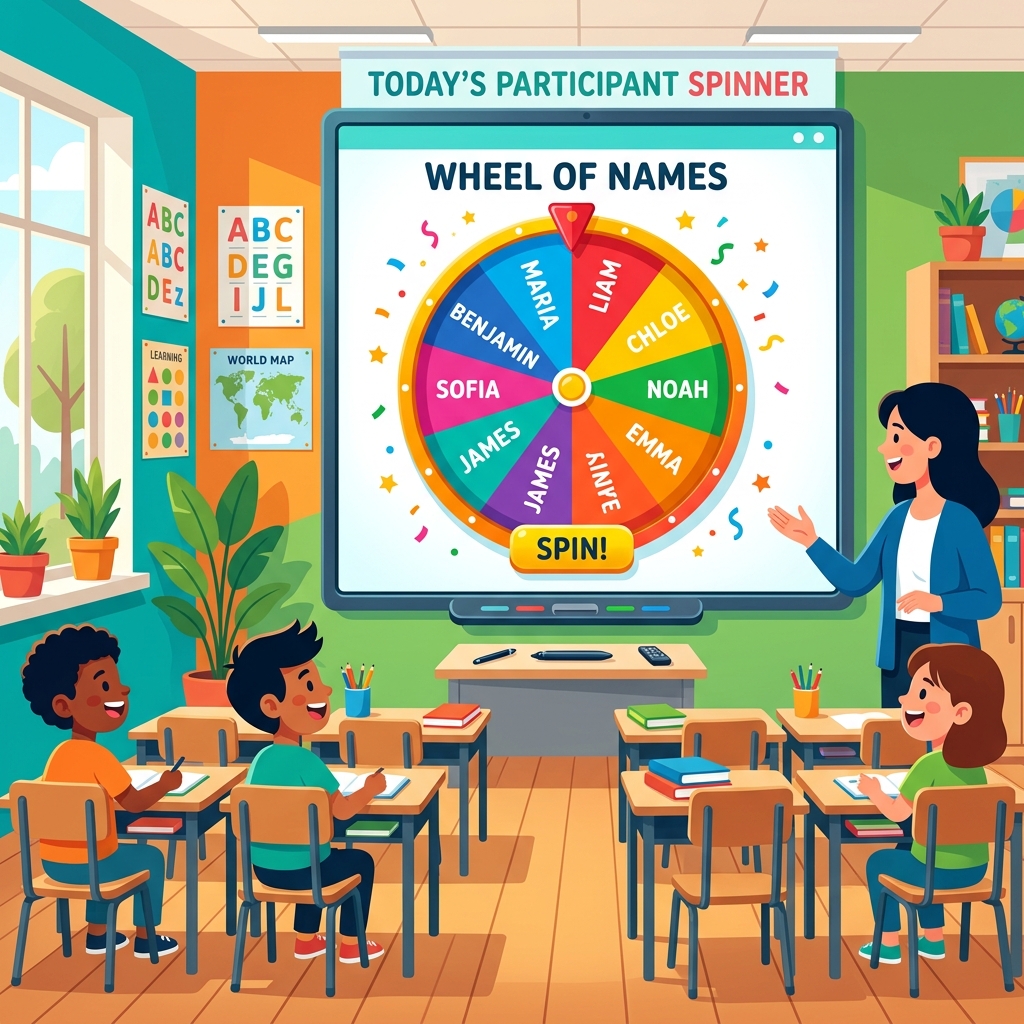
Spin the wheel to pick a random student from your class!
The Ultimate Guide to Random Student Picker Wheels: Enhancing Equity, Gamification, and Active Learning in Modern Classrooms
In today's diverse educational landscape, fostering an inclusive, fair, and highly engaged classroom environment is a primary goal for educators. The Random Student Picker Wheel (commonly referred to as a classroom name spinner, teacher name selector, or lucky draw wheel) has emerged as an indispensable digital utility. It provides teachers with a simple, visual, and mathematically sound method to nominate students for classroom activities, quiz answers, and discussions.
By replacing traditional manual selection methods, this interactive picker wheel introduces a gamified element that captures student attention, reduces performance anxiety, and completely eliminates subconscious teacher bias. Whether you teach elementary school children or university lectures, using a digital selector wheel ensures that every voice in the room has an equal chance to contribute.
1. The Psychology of Fair Participation & Unbiased Cold Calling
Cold calling—the practice of calling on a student who has not raised their hand—is a powerful educational strategy. When done correctly, it keeps students alert, active, and prepared. However, when called on manually by the teacher, students often feel selected, targeted, or singled out. This can lead to increased anxiety, making them feel defensive rather than collaborative.
The digital wheel changes this dynamic entirely. Since the wheel is visible to the entire class on a projector or smartboard, and the selection is governed by computer-generated randomness, students view the process as completely transparent and fair. They accept the result as a math-based draw, which removes the defensive reaction. Quieter students who rarely volunteer are prompted to participate, while highly vocal students understand that others must get their turn, cultivating a culture of classroom equity.
2. From Popsicle Sticks to Digital Spinners: A Modern Classroom Upgrade
For decades, the standard tool for fair nominations was the "popsicle stick jar"—writing student names on physical wooden sticks and drawing them out of a cup. While functional, physical sticks suffer from significant limitations. They wear out, easily get lost, are time-consuming to create or modify when rosters change, and can lead to skepticism if students suspect the teacher is peaking into the jar.
Our client-side digital name spinner offers a massive upgrade. It supports an infinite number of students, allows you to shuffle or sort names instantly with a single click, saves multiple class rosters securely, and offers a suspenseful visual presentation with crisp mechanical clicks and confetti celebrations. It is a highly reusable, digital classroom asset.
3. Classroom Roster Management & Bulk Import Made Simple
We designed this tool to respect teachers' valuable time. You do not need to type out your class list every time you start a lesson. The built-in Roster Manager allows you to maintain multiple separate classes (e.g. Science 101, Math 5-A) and switch between them instantly.
You can paste entire rosters directly from Excel spreadsheets, Word files, or email lists into the live entries textarea (separated by commas or newlines). Click 💾 Save List to preserve it in your browser. You can also import `.txt` files directly, or export your saved list to share it with other grade-level teachers, making roster management completely seamless.
4. The Power of Gamification: suspense, Sounds, and Visual Rewards
Gamification is the integration of game mechanics into non-game contexts. By introducing ticking clicks as the wheel slows down, custom subject center icons, and confetti explosions upon selection, this tool satisfies key principles of gamified education:
Suspense and Anticipation: The deceleration of the wheel creates a dramatic pause, keeping student attention locked to the screen.
Multi-Sensory Feedback: Combining color slices, sound ticking rates, and text-to-speech winner announcements accommodates different learning modalities (visual, auditory, and reading).
Celebration and Affirmation: The winner card popup and flying confetti make selection feel rewarding, turning a stressful cold-call into a fun celebration.
5. 10 Creative Ways to Use Spinner Wheels in the Classroom
A versatile name spinner is not limited to nominating students. Here are 10 highly engaging educational activities you can run with our spinner:
Spin-the-Question Review: Replace student names with review questions or vocabulary terms. Spin the wheel to determine the next quiz topic, and have the class write the answer.
Classroom Job Distributor: Place jobs (Line Leader, Board Eraser, Paper Passer, Tech Assistant) on the wheel, and spin to distribute roles.
Vocabulary Storyteller: Put target vocabulary words on the wheel. Spin a word, and have a student use it in a sentence to tell a collaborative class story.
Math Equation Solver: Spin a student's name, then write an equation on the board for them to solve. Alternatively, spin to select the numbers used in the equation.
Discussion Nominee: Use the wheel to select the next speaker during debates or book clubs, ensuring that verbal discussions are not dominated by a few voices.
Homework Review Order: Place question numbers on the wheel and spin to see which homework problems the class reviews first.
Presentation Slots: Spin the wheel to determine the order in which student groups deliver their presentations or reports.
Creative Writing Prompts: Put writing prompts (genres, characters, settings) on the wheel. Spin to choose the template of the writing assignment.
Brain Break Chooser: Fill the wheel with 2-minute physical activities (stretches, jumping jacks, breathing exercises) and spin for a quick class break.
Raffle Prize Selector: Use the wheel for reward draws, selecting a student to choose a prize from the class reward box.
6. Accessibility & Speech Announcer Integration
Inclusion is a vital component of modern classroom design. Visual tools are highly engaging, but they can isolate students with visual impairments or reading struggles. By utilizing the web browser's native **Speech Synthesis API**, our name spinner reads the selected student's name aloud once the wheel comes to a complete stop. This text-to-speech implementation ensures that every student, regardless of their location in the room or reading ability, immediately understands who has been chosen, boosting accessibility.
7. Unbiased Nominations: The Math Behind the Wheel
How does our picker wheel ensure complete objectivity? It relies on JavaScript's secure pseudo-random number generator (Math.random()) to calculate rotation angles and drag friction. Every segment rendered on the canvas is given an identical angular width (2 * Math.PI / segmentCount). When the wheel is spun, the code calculates physics-based deceleration, guaranteeing that every entry has an exactly equal mathematical probability of winning on every spin.
8. GDPR and COPPA Compliance: Client-Side Security
Student data privacy is of paramount importance. Many online tools upload class lists to external database servers, exposing rosters to potential data breaches. Our student picker is built completely client-side. Your lists, names, and history are stored strictly in your browser's LocalStorage and are never uploaded over the internet. This ensures 100% compliance with children's online privacy protection directives, making it safe for school environments.
Frequently Asked Questions (FAQs)
Yes, our Random Student Picker Wheel is 100% free to use. There are no registration fees, premium tiers, or limits on the number of class rosters you can save. Feel free to use it in as many classrooms as you need!
The spinner uses a secure cryptographic pseudo-random number generator (Javascript Math.random()) to compute rotation angles. This guarantees that every name listed on the wheel has a mathematically equal probability of being chosen on each spin, ensuring an unbiased and fair selection process.
Yes! Roster lists are saved directly to your web browser's LocalStorage. This means your lists remain private on your computer and will reload automatically whenever you visit the site. No student names or class lists are ever uploaded or sent to external servers, ensuring complete privacy compliance.
Absolutely. The site is fully responsive and optimized for mobile screens, tablets, iPad displays, Chromebooks, and smart interactive TVs. The wheel scales dynamically to fit any screen resolution perfectly.
You can automate this by toggling the "Remove Picked Student" option in the Settings panel. When enabled, the student is automatically deleted from the spinner roster immediately after their name is announced. Alternatively, you can click "Remove from Roster" in the winner card popup.
Yes. By clicking the "Bulk Import" link above the names list, you can paste or type a large list of student names separated by newlines or commas. This makes it incredibly easy to copy rosters directly from excel, word, text files, or school database portals.